
Can I add my GST details while purchasing a course?
Learn how to add your GST number while purchasing a TheElectricalGuy Academy course on web or Android, so it appears on your invoice for tax returns.
Apr 13, 2024
Yes. You can add your GST details on the billing screen while making the purchase, on the website or the Android app. GST details cannot be added or changed after purchase, so add them before you pay.
Add GST details on the website
Log in or create an account first. [See: How do I log in or create an account?]
Once logged in, click Visit Store and select the course you want.
Click Enroll Now.
On the billing details screen, enter your GST number (for businesses in India only). This is printed on your invoice, which you can use to claim tax returns.
Proceed with payment. After a successful payment, you'll get a confirmation email where you can download your GST invoice.
Important: You must log in before purchasing to add GST details. Double-check the details, as they cannot be changed later.
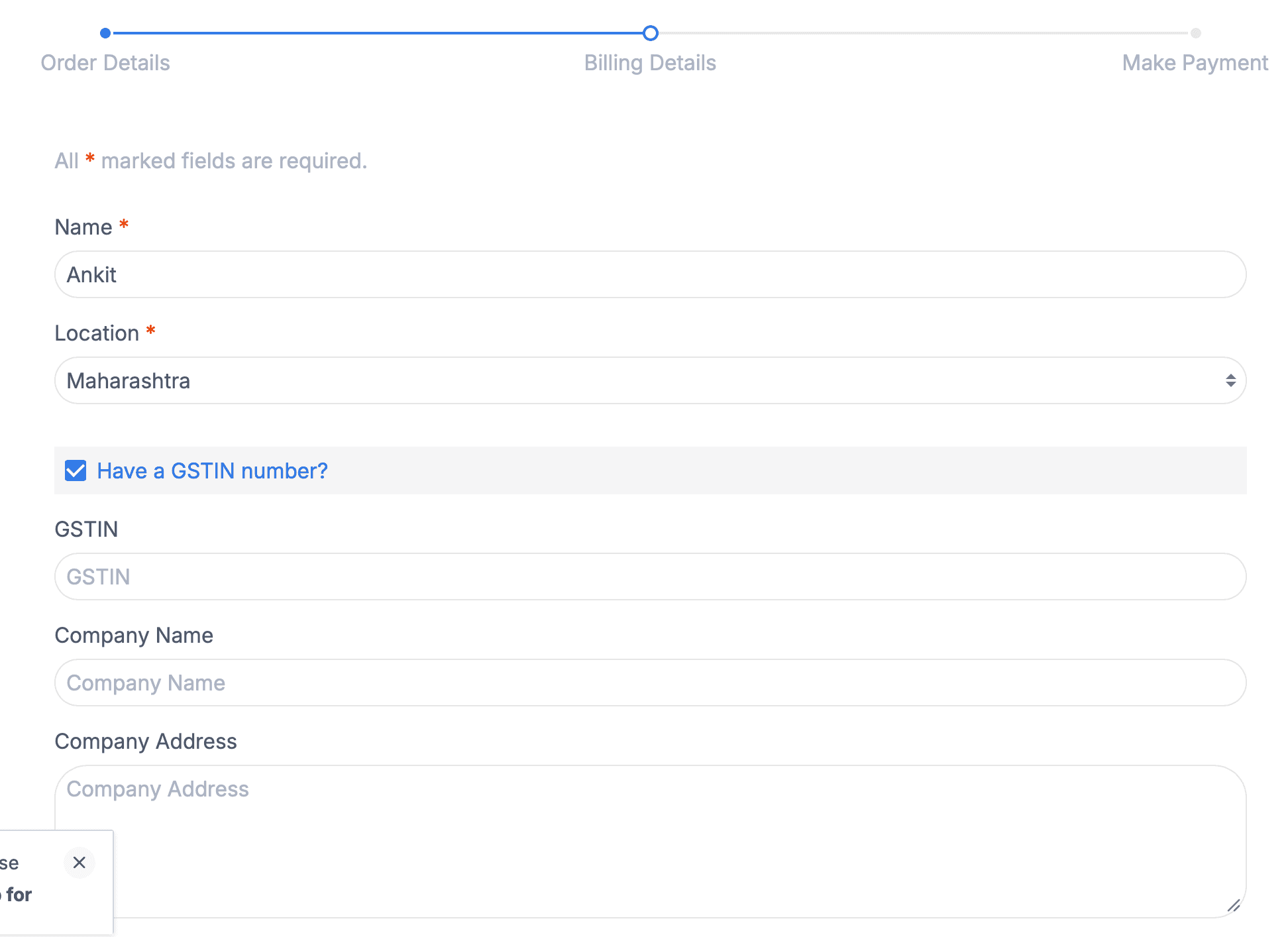
Can't see the billing screen? You're most likely not logged in. Log in and try again.
Add GST details on the Android app
Log in or sign up on the Android app.
Select the course you want and tap Buy Now.
On the billing details page, tick the Have a GSTIN Number checkbox and enter your details.
Once verified, complete the payment. You'll get a confirmation email where you can download your GST invoice.
Important: Double-check the details, as they cannot be changed later.
Add GST details on iOS or iPad OS
Purchasing is not available on the iOS/iPad OS app. To add GST details, follow the website steps above, then access your course on the app.
Can I change or add GST details after purchase?
No. GST details must be added during purchase. Once the payment is complete, the details are recorded and cannot be changed.