
How do I access my course after purchase?
Learn how to access your course on the website and android and iOS app after the purchase.
Apr 13, 2024
How do I access the course on the Website?
Your course appears under Library once you log in with the same email you used at checkout. Here's how to get there.
1. Go to https://www.theelectricalguyacademy.com/ and click Login or Get Started.
2. Log in with your Google account or your email and password.
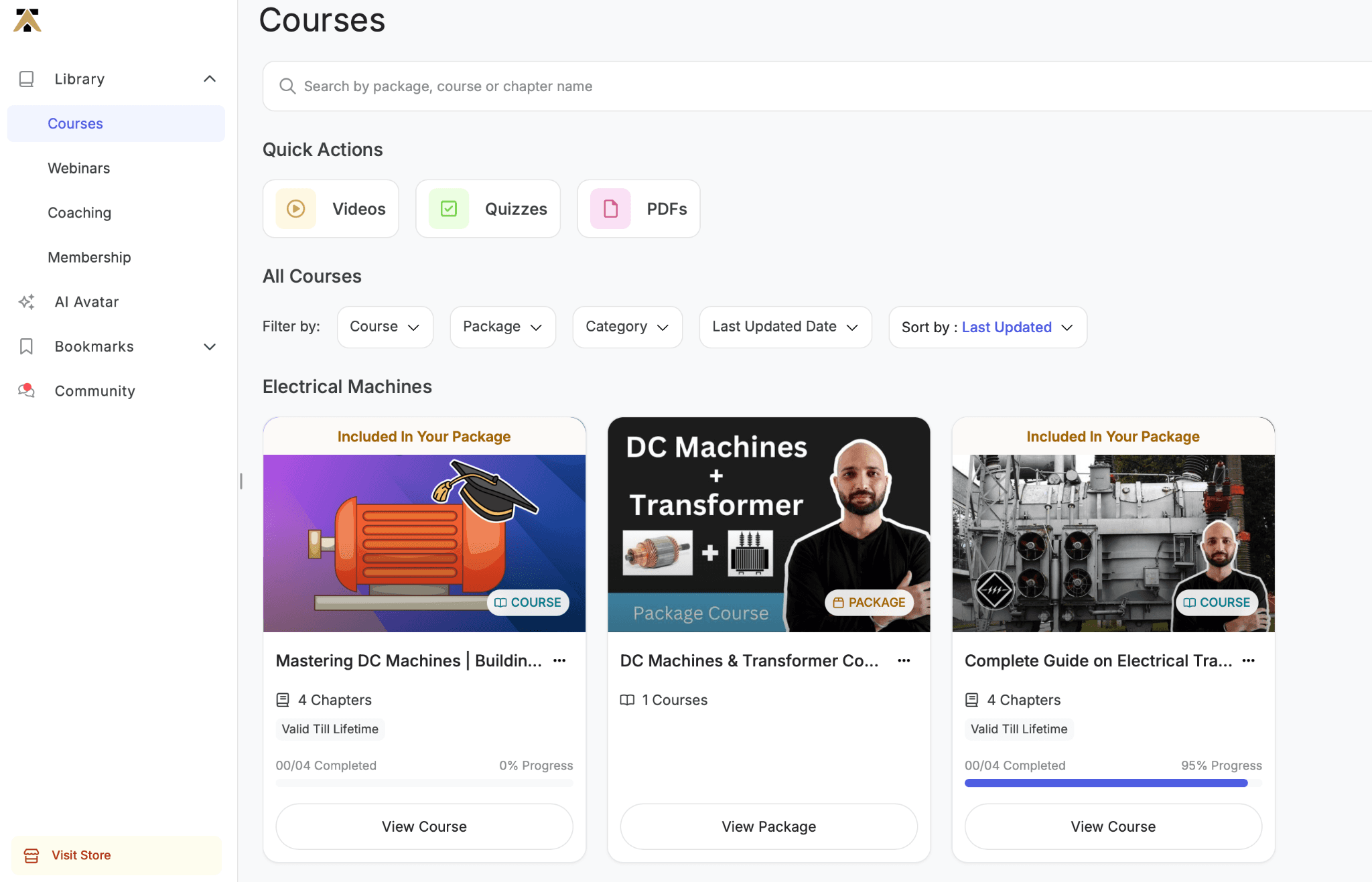
3. Open the Library tab.
4. Find your course and click View Course → Start Learning.
Important: Log in with the same email you used to purchase the course. If you signed up with a different email, the course won't appear in your Library.
How do I access my course on the mobile app?
Your course is available on both the Android and iOS apps once you log in with the same email you used to purchase.
Download the app:
Log in with the same email you used at checkout.
Open the Library tab to find your course and start learning.
Note: You can browse and learn on the iOS app, but courses must be purchased on the website first. See: [How do I enroll in a course?]